Every layer between the internet and the endpoint.
The right network products depend on what they must connect, power, separate and support over time.
LAYER / 01
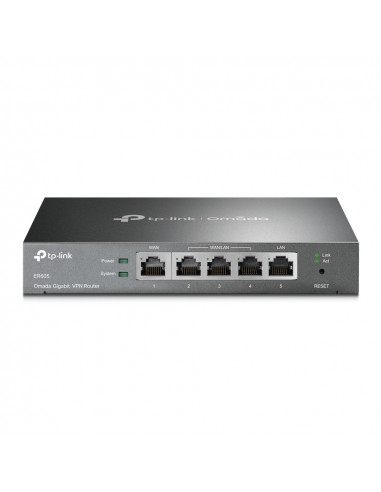
Routers & gateways
Internet-edge devices selected around throughput, security, remote access, failover and management needs.
RoutingFirewallVPN
LAYER / 02
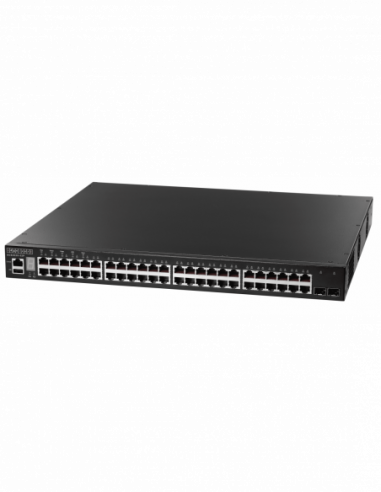
Managed switching
Switches for larger, segmented or monitored networks where visibility, VLANs and control are important.
ManagedVLANUplink
LAYER / 03
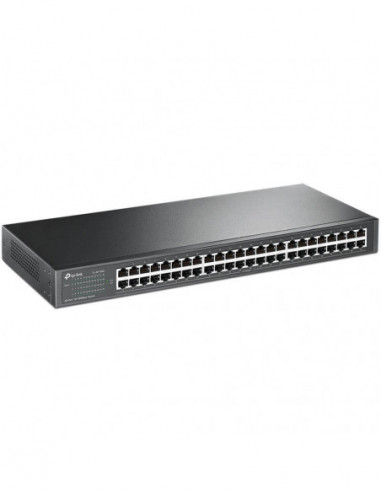
PoE switching
Deliver data and power to cameras, access points, phones and other supported devices from one switching layer.
PoEBudgetEndpoints
LAYER / 04
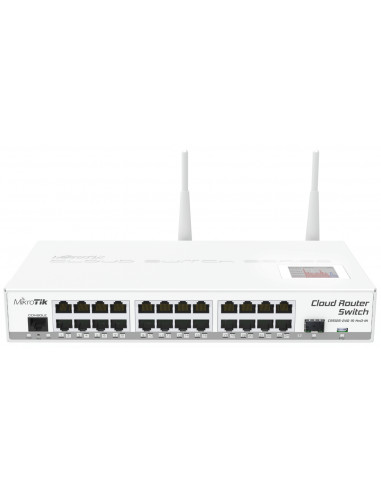
Wireless networks
Access points and supporting equipment chosen for real coverage, capacity, roaming and environment.
Wi-FiCoverageGuest
LAYER / 05
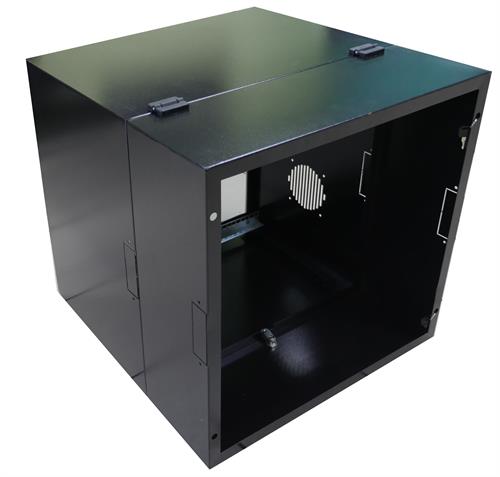
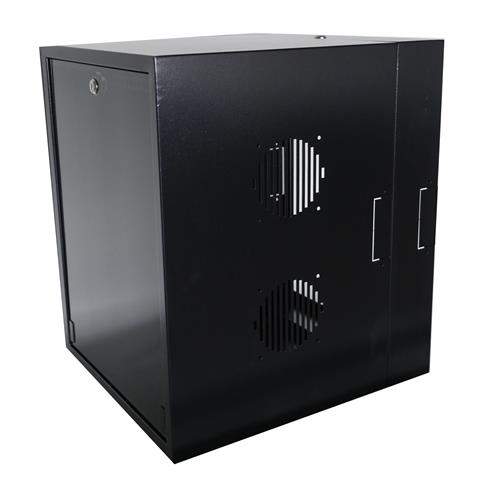
Racks & cabinets
Organised, protected mounting for switches, patching, routing, recording and supporting power equipment.
RackCabinetCooling
LAYER / 06
Cabling & accessories
Structured cabling, patch panels, patch leads, modules and the physical details that make the network supportable.
CopperPatchLabels
Images illustrate product categories. Port count, speed, management, PoE budget, rack size, cabling standard, brand and model are confirmed against the final topology and current availability.
DESIGN BEFORE DEVICES
Six inputs determine whether the network feels reliable.
Hardware selection becomes much clearer once the people, endpoints, building and growth path are understood.
01
Users
How many people connect, where they work and how their applications behave.
02
Devices
Computers, phones, cameras, printers, servers, access points and future endpoints.
03
Coverage
Walls, distance, interference, outdoor zones and user density across the site.
04
Capacity
Internet speed, uplinks, switching throughput, port count and PoE power budget.
05
Security
Guest access, segmentation, remote access and the boundaries between device groups.
06
Growth
Spare ports, rack space, power, documentation and an upgrade path that remains practical.
FROM TOPOLOGY TO TRAFFIC
A network should be understandable before it becomes invisible.
We plan the structure, specify the products and leave a clearer environment for the people who must support it.
01 / ASSESS
Map the users, site and existing network.
We review coverage, endpoints, internet services, pain points and the physical cabinet or cabling environment.
02 / DESIGN
Create the practical topology.
Routing, switching, wireless, PoE, segmentation and capacity are planned as one connected system.
03 / SUPPLY
Quote suitable current equipment.
Products are matched to the topology, required capabilities, budget and realistic growth.
04 / DEPLOY
Install, test and document.
Connections, wireless, powered endpoints and key services are verified before handover and support.
READY FOR A CLEARER NETWORK?
Tell us what must connect—and what is not working now.
We will help turn the users, site and devices into a practical network topology and product quote.