A business phone system that moves with your team.
VoIP connects calls through the internet, but the real value sits in the call flow: who answers, where calls move and what happens when someone is unavailable.
We help plan the extensions, routing, handsets, conference equipment and network readiness as one communication system.
The phone is only one part of the system. The right combination depends on role, movement, room and call flow.
ENDPOINT / 01
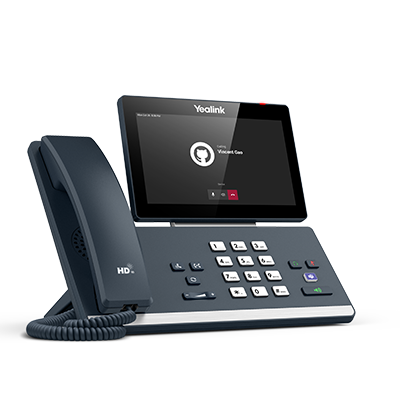
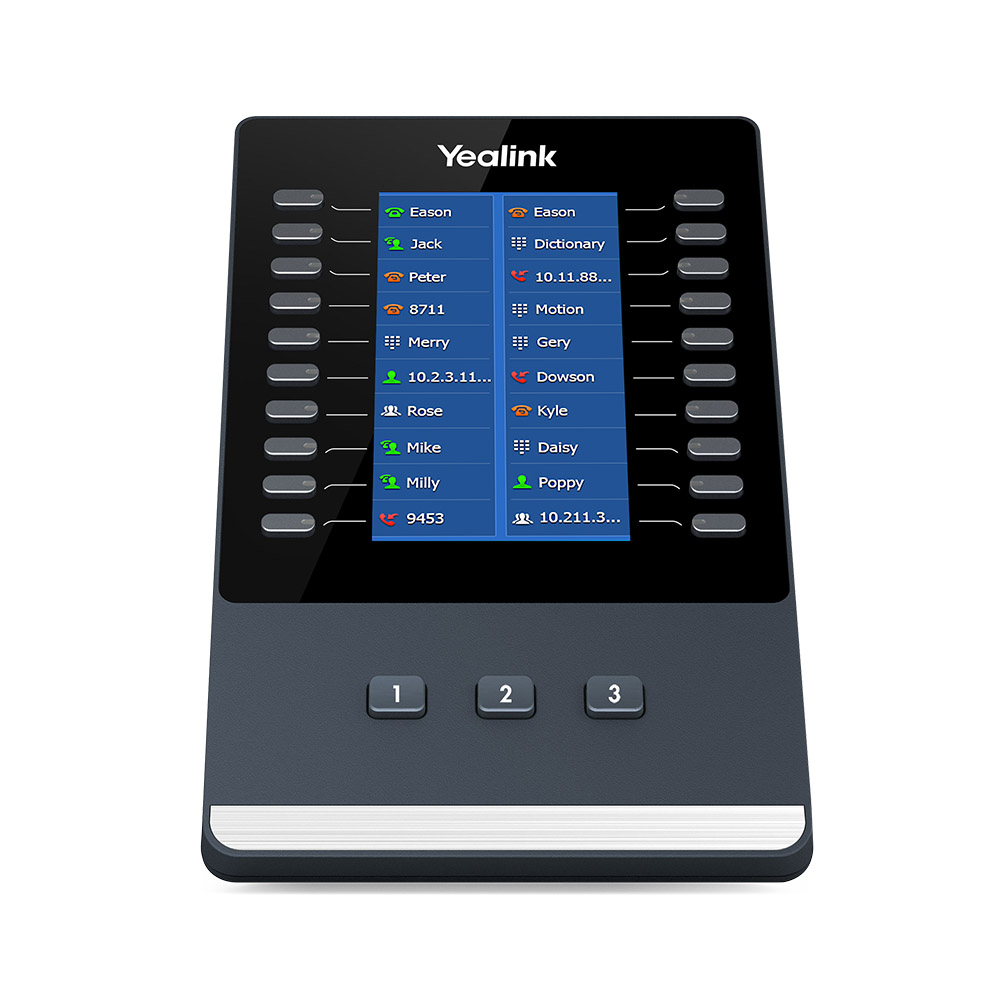
Desk phones
Entry-level, executive and expandable IP phones selected around lines, keys, display and role requirements.
IP phonePoEKeys
ENDPOINT / 02
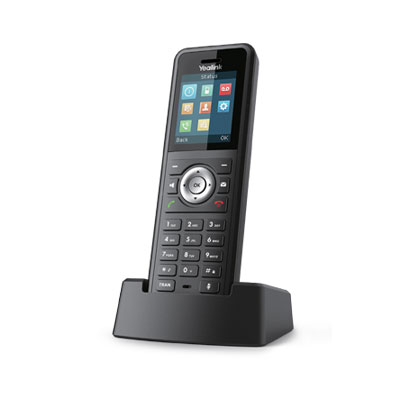
Cordless DECT
Cordless and rugged handsets for teams that move through offices, workshops, stores or operational spaces.
DECTRuggedMobility
MEETING / 03
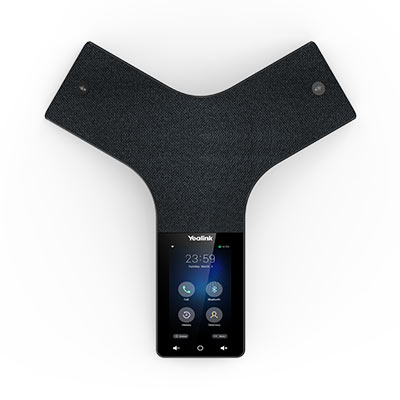
Conference audio
Speakerphones and room audio suited to meeting size, seating pattern and local or remote participants.
BoardroomAudioUSB
MEETING / 04
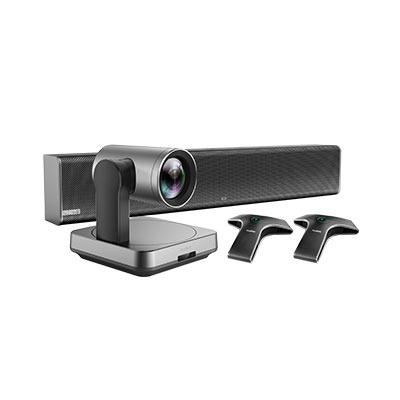
Video conferencing
Cameras, room systems and bring-your-own-device solutions for hybrid meetings and shared spaces.
VideoBYODRoom
ACCESSORY / 05
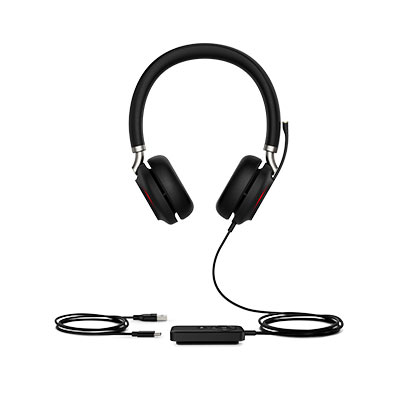
Headsets & audio
Wired, wireless, mono and stereo options matched to call volume, environment and device compatibility.
USBBluetoothComfort
SYSTEM / 06
PBX & supporting network
Hosted call control, extensions, numbers, switching, PoE and connectivity that allow the endpoints to work as a system.
PBXSIPNetwork
Images are illustrative. Handset, headset, conference, PBX and service compatibility must be confirmed against the provider, network, user role and current product availability.
SECURE, TESTED CALL PATHS
A phone showing “registered” is not the end of the test.
A dependable VoIP rollout verifies the complete call journey and avoids exposing devices or SIP services unnecessarily.
01
Register
Confirm each account, extension and device is correctly associated with the PBX.
02
Call
Test inbound and outbound calls, including the number formats the business actually uses.
03
Audio
Verify two-way audio, quality and network behaviour rather than assuming signalling is enough.
04
Route
Test IVR or DTMF input, transfers, ring groups, voicemail and after-hours paths.
05
Protect
Trust the intended SIP service, avoid unnecessary WAN exposure and document the configuration.
FROM CALLER TO ANSWER
Build the communication route, then fit the equipment.
A useful VoIP system reflects the organisation: its people, locations, working hours and the experience callers should have.
01 / MAP
Define numbers, users and call destinations.
We identify who receives calls, how teams are grouped, business hours and what should happen when nobody answers.
02 / CHECK
Confirm network and service readiness.
Connectivity, switching, PoE, provider details and any existing numbers or equipment are reviewed.
03 / CONFIGURE
Set up endpoints and call routing.
Extensions, devices, greetings, groups, menus, transfers and fallback paths are configured to the agreed flow.
04 / TEST
Verify the complete live call journey.
Inbound, outbound, two-way audio, DTMF, transfers, formats and key exception paths are tested before handover.
READY TO IMPROVE THE CALL EXPERIENCE?
Tell us how callers should reach your team.
We will help turn the people, locations and call flow into a practical VoIP system and equipment quote.